Canada Post Tracking and API Integration with ClickPost
Craft branded tracking pages to show real-time shipment updates and decrease WISMO queries by 66%.
Trusted by 450+ global brands

Benefits of Connecting with Canada Post through ClickPost
Connect Canada Post with ClickPost's automation to simplify shipping across domestic and international deliveries.
- Send real-time tracking notifications to customers, cutting WISMO queries by 72%.
- Automate logistics workflows to remove manual effort, improving operational efficiency by 28%.
- Trigger personalized tracking alerts across channels, lifting NPS by 33%
Check the integration library
| Partner ID | Order Creation | Cancellation | Tracking via Polling | Tracking via Webhook | Proof of Delivery (POD) | Non Delivery Report (NDR) | Create Pickup Request | AWB Generation Flow | Label Generation | Country | |
|---|---|---|---|---|---|---|---|---|---|---|---|

Canada Post
|
✓ | ✓ | ✓ | ✓ | ✓ | ✓ | ✓ | Clickpost Generated | India |
Canada Post Services with ClickPost
How to Track Canada Post Packages
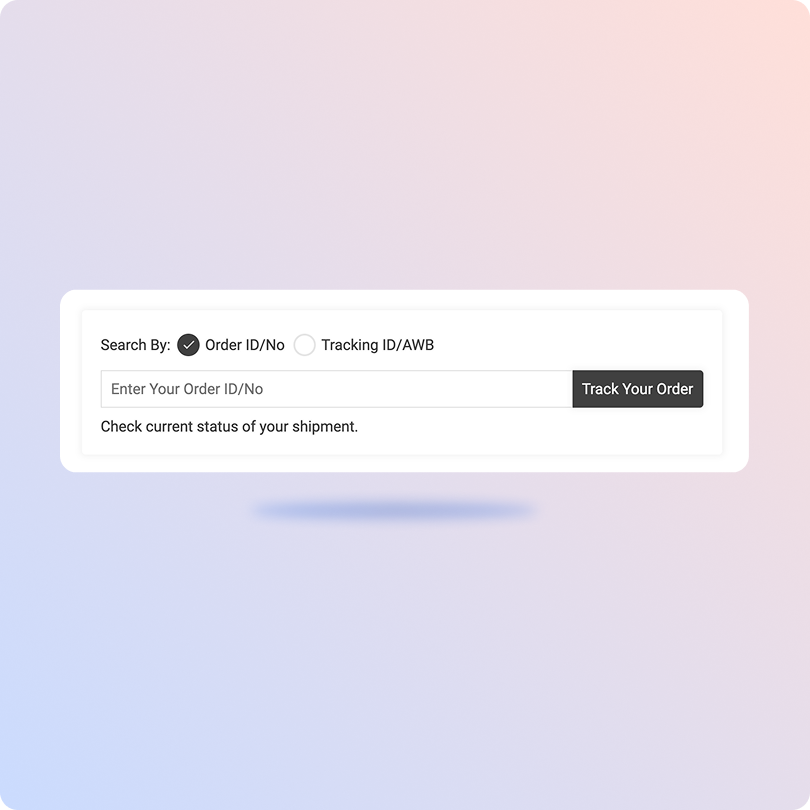
Track Canada Post Packages with the ClickPost Tracking Page
-
Keep your Canada Post tracking number ready.
-
Open the ClickPost Tracking Page.
-
Enter your tracking number in the field.
-
Click "Track" for real-time shipment data.
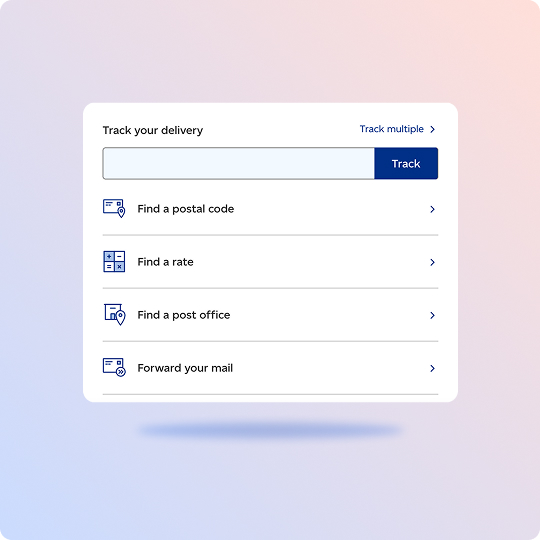
Track Canada Post Packages on the Official Page
-
Head to Canada Post's tracking page.
-
Paste your number, or up to 24 at once.
-
Hit "Track" to begin.
-
Your full tracking details appear on screen.
List of Canada Post APIs
| API | Description |
|---|---|
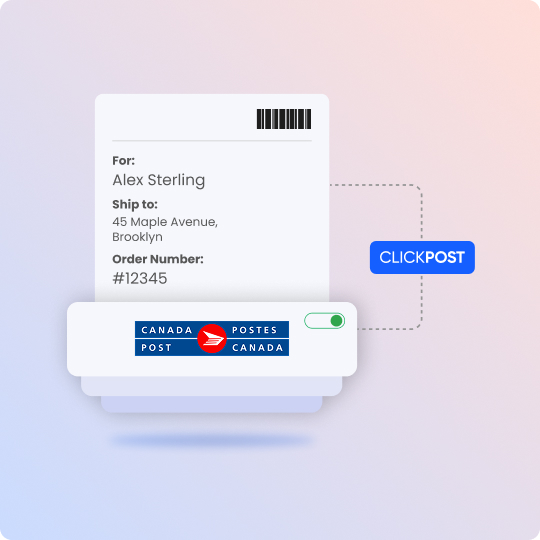
| Manifestation and Label Generation APIs | Create shipments and print Canada Post labels in one go. |
| Track Shipment API | Track parcels live across domestic and international routes. |
| Cancellation API | Void a shipment before dispatch when an order is withdrawn. |
| EDD API | Show expected delivery dates to customers before they buy. |
| NDR Action Update | Manage failed deliveries and send corrective actions to the carrier. |
| Return Webhooks | Get automatic updates as return shipments head back to you. |
Frequently asked questions
How do I integrate the Canada Post API into my ecommerce platform?
You integrate Canada Post by joining its free Developer Program, getting your API keys, and calling its web services over REST or SOAP. Core calls cover rating, shipping and label creation, and tracking, with code samples in Java, PHP, and C#. To skip building and maintaining this yourself, you can connect through ClickPost, which comes pre-integrated with Canada Post for order creation, tracking, labels, and returns on a single dashboard.
What authentication does the Canada Post API use, and how do I get API keys?
Canada Post uses HTTP Basic authentication. You pass a username and password, Base64-encoded, in the Authorization header of each request. To get keys, sign up for the free Developer Program, where your API keys are displayed on the main page. Keys are environment-specific, so development keys work only against the test endpoint and production keys against production. Keep your platform key server-side to protect it from exposure.
What tracking calls does the Canada Post API offer, and what data do they return?
Canada Post offers four tracking calls. Get Tracking Summary returns the most recent event for a parcel, including delivery details if delivered. Get Tracking Details returns the full history of scan events. Get Delivery Confirmation Certificate provides a PDF with delivery date and signatory name. A signature image call once existed but is now discontinued for privacy. Parcels are identified by PIN, DNC, or reference parameters like customer and reference number.
How do ecommerce platforms register merchants to ship on their behalf with Canada Post?
Platforms use Canada Post's merchant registration flow. You request a registration token, valid for 30 minutes, then redirect the merchant into Canada Post's sign-up to accept terms. Canada Post returns a status to your callback URL. You then trade the token for the merchant's credentials and store them server-side. From then on, you submit requests using the merchant's customer number with your platform-id in the header. This is the model platforms like ClickPost use to ship for many merchants.
How does ClickPost handle international returns for Canada Post shipments?
ClickPost runs international returns for Canada Post through automated returns policies you configure once and apply across orders. Customers get AI-generated return emails, and built-in fraud prevention flags suspicious requests before approval. Refunds are flexible, including store credit and gift cards, not just original payment. Each reverse shipment is tracked back to your warehouse with full milestone visibility, so cross-border returns stay transparent for both your team and the customer.
What shipping services does Canada Post offer for domestic and international parcels?
Canada Post offers tiered parcel services. Domestically, Regular Parcel, Expedited Parcel, Xpresspost, and Priority span economy through fastest delivery, plus flat-rate boxes and registered mail. International shipping reaches the US and worldwide destinations with comparable speed tiers. As Canada's national postal operator, it serves 16+ million addresses through 6,200+ post offices. ClickPost connects these services and, for multi-carrier shippers, lets you compare Canada Post against other carriers on cost and speed.
What ecommerce tools does Canada Post provide for checkout, address capture, and returns?
Canada Post offers several merchant tools. AddressComplete validates addresses at checkout to cut failed deliveries and abandonment. Its Rating service shows real-time shipping costs and delivery dates so customers pick speed or price. Automatic Tracking adds parcels to the customer's track list, and returns options include label-in-box, print-at-home, and label-free QR drop-off. ClickPost extends this with branded tracking pages and milestone notifications across SMS, email, and other channels.
What are the Canada Post API rate limits, and how do I avoid throttling?
Canada Post enforces limits per API key within a rolling 60-second window, grouped by call type. Exceed a group's limit and further calls are blocked until the window resets, returning a "Rejected by SLM Monitor" error. Since the window isn't tied to a fixed clock, the safest approach is spacing calls out. Canada Post advises at least 250 milliseconds between Create Shipment calls. ClickPost manages this pacing automatically when you track Canada Post shipments through it.
How does ClickPost improve post-purchase tracking and reduce WISMO for Canada Post shipments?
ClickPost reduces "where is my order" queries for Canada Post shipments through branded tracking pages and proactive alerts. Customers see real-time delivery updates in one place, with automated milestone notifications and early warnings for delays. The tracking page can carry curated assets too, like delivery-destination weather or product recommendations. ClickPost reports WISMO reductions of up to 72%, and surfaces 50+ analytics on transit times and SLA adherence for your team.
How does ClickPost help manage delivery exceptions for Canada Post?
ClickPost automatically flags Canada Post delivery exceptions, groups them, and routes them through an automated workflow, so your team sees issues faster and customers get alerts explaining delays or next steps. This proactive handling reduces the manual effort of chasing stuck or failed deliveries. Combined with real-time tracking pulled via webhook and polling, it gives operations teams a single view of every shipment that needs attention, before it escalates into a complaint.
Streamline your shipping experience with ClickPost