ClickPost D2C Industry Trends Report 2026

Boxout Express Tracking and API Integration with ClickPost

Eliminate manual dependencies and achieve 76% boost in operational efficiency with ClickPost’s logistics automation solutions.

Boxout Express integration

Trusted by 450+ global brands

PUMA - SVG - 50
Decathlon-slider-logo
nykaa-slider-logo
Herbalife - SVG - 50
lenskart-slider-logo
Dogtra - SVG - 50
The Body Shop - SVG - 50
Birkenstock - SVG - 50
New Me - Slider Logo
Palome - SVG- 50
Tata 1mg - Gray - 50
Adidas - SVG - 50
Jackery - SVG - 50
Oriflame - SVG - 50
Giva - Slider Logo
Mars - Slider Logo - SVG
Sotheby - SVG - 50
ABFRL - SVG - 50
Boxout Express Clickpost

Benefits of Connecting Boxout Express With ClickPost

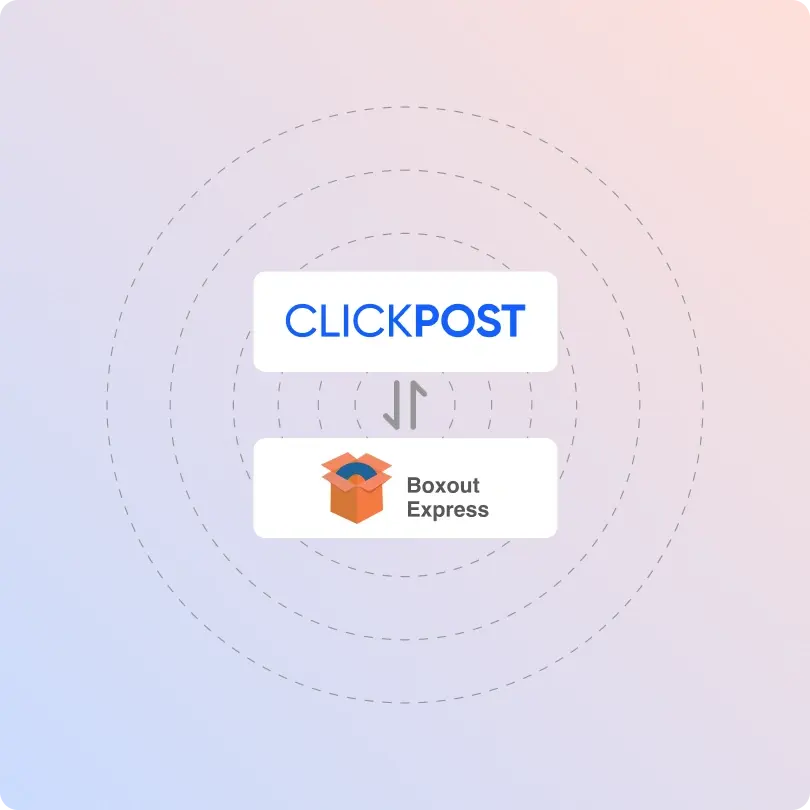
Connect Boxout Express with ClickPost’s logistics intelligence to create a powerful post-purchase experience.

  • Increase delivery success rate and build brand loyalty by cutting RTO rates by up to 40%.
  • Achieve faster deliveries by 31% with automated carrier allocation.
  • Convert COD orders to prepaid by 10% with data-driven optimization and smart automation.

Check the integration library

Partner ID Order Creation Cancellation Tracking via Polling Tracking via Webhook Proof of Delivery (POD) Non Delivery Report (NDR) Create Pickup Request AWB Generation Flow Label Generation Country
Boxout Express logo
Boxout
5 India

How To Track Boxout Express Packages

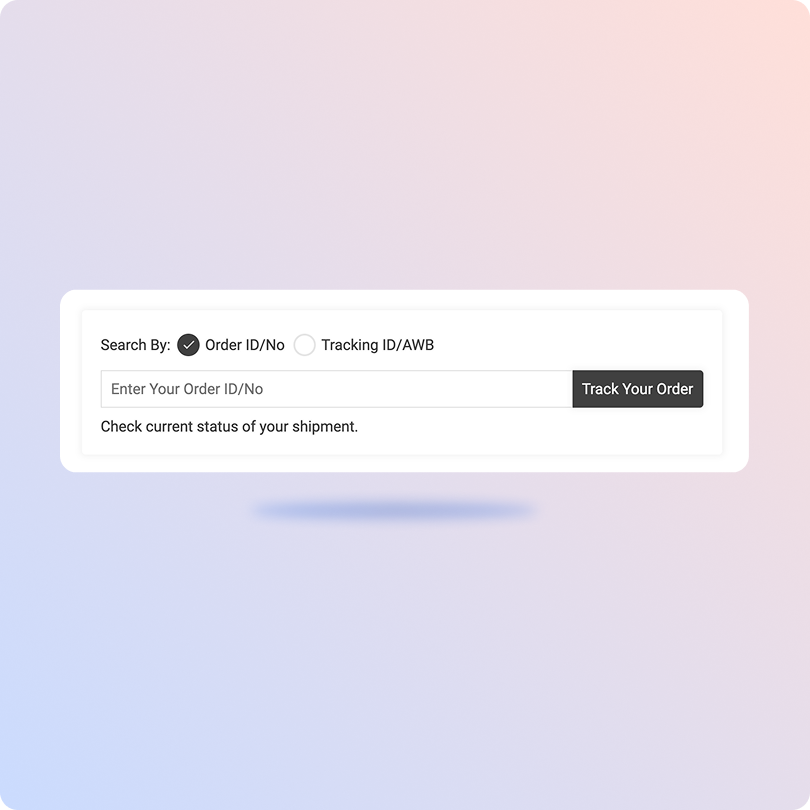
Track Boxout Express Packages With ClickPost Tracking Page

  • Obtain the AWB number from your shipment confirmation.
  • Go to ClickPost’s tracking page.
  • Enter the AWB number in the search bar.
  • Click “Track” to get real-time location details.

Track Boxout Express Packages On The Official Site

  • Visit the official website of Boxout Express.
  • Click “Track your shipment” in the top-right corner of the site.
  • Once redirected to the tracking page, enter the AWB number or OR code in the designated field.
  • Hit the “Go” button, and you’ll see the live status of your shipment.

List of Boxout Express APIs

API Description
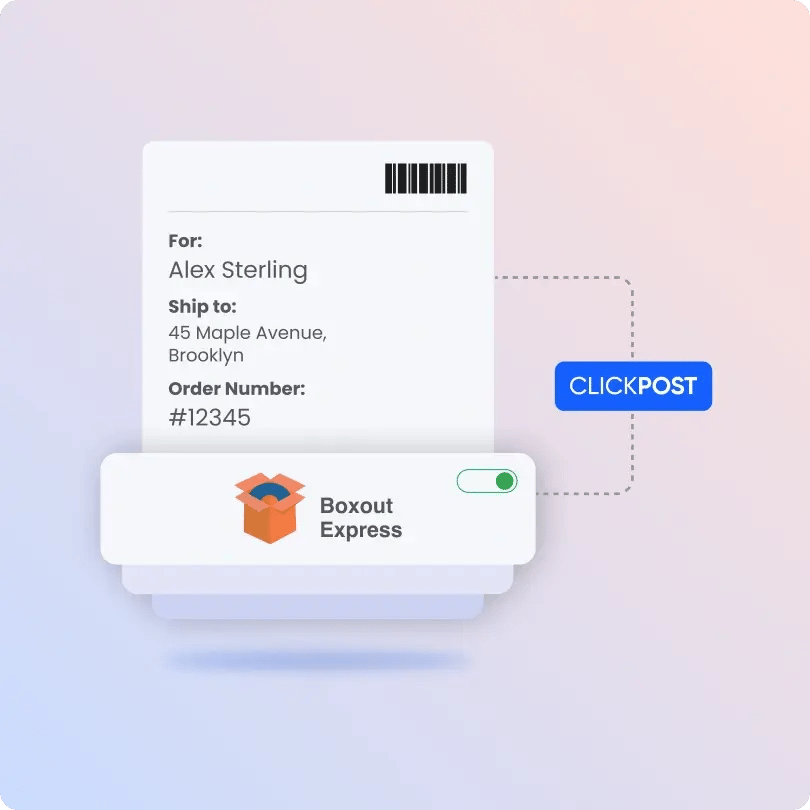
Manifestation and Label Generation API Manifest orders and generate labels with Boxout Express.
Track Shipment API Stay updated with the real-time status of the latest shipment on a centralized dashboard.
Cancellation API Cancel shipments easily with this API.
EDD API Display accurate delivery times to inform about order arrival.
NDR Action Update Take action on failed deliveries to improve the delivery rate.
Return Webhooks Initiate the returns process with Boxout Express-integrated webhooks.
API & Description
Manifestation and Label Generation API
Manifest orders and generate labels with Boxout Express.
Track Shipment API
Stay updated with the real-time status of the latest shipment on a centralized dashboard.
Cancellation API
Cancel shipments easily with this API.
EDD API
Display accurate delivery times to inform about order arrival.
NDR Action Update
Take action on failed deliveries to improve the delivery rate.
Return Webhooks
Initiate the returns process with Boxout Express-integrated webhooks.

Frequently asked questions

Everything you need to know about ClickPost’s Carriers Integration

How does ClickPost use AI for Carrier Allocation?

ClickPost uses AI-driven algorithms to analyze multiple factors, such as cost, turnaround times, SLA Adherence for carriers, to recommend the best carrier for each shipment.

How does ClickPost use AI for Carrier Allocation?

ClickPost uses AI-driven algorithms to analyze multiple factors, such as cost, turnaround times, SLA Adherence for carriers, to recommend the best carrier for each shipment.

How does ClickPost use AI for Carrier Allocation?

ClickPost uses AI-driven algorithms to analyze multiple factors, such as cost, turnaround times, SLA Adherence for carriers, to recommend the best carrier for each shipment.

How does ClickPost use AI for Carrier Allocation?

ClickPost uses AI-driven algorithms to analyze multiple factors, such as cost, turnaround times, SLA Adherence for carriers, to recommend the best carrier for each shipment.

Frequently asked questions (FAQ's)

What do I need before integrating Boxout Express with ClickPost?

You need to have an active Bocxout Express merchant account with API access turned on. Once you have access to it, you will require your API key, account ID, and login credentials from Boxout Express. On the ClickPost end, admin access to the integrations is required before you get started with setup.

How do I connect Boxout Express with ClickPost, and is it complicated?

Yes, ClickPost provides real-time rider tracking for Inamo’s managed fleet. The platform enables live map-based tracking, standardised delivery timelines, and instant status updates. This allows businesses and customers to monitor shipments throughout the delivery journey.

How frequently does ClickPost sync tracking updates for Boxout Express shipments?

ClickPost continuously polls Boxout Express's tracking API at regular intervals and also supports webhook-based push updates wherever available. This means your dashboard and customer notifications stay up to date with the latest shipment status, without any manual refreshing or follow-ups.

Can I generate Boxout Express shipping labels and AWB numbers directly through ClickPost?

Yes, and it's surprisingly simple. Once Boxout Express is integrated, you can generate AWB numbers and print-ready shipping labels directly through ClickPost's unified API. Just push your order details, and ClickPost handles the rest, fetching the label from Boxout Express and returning it in a single API call, saving you time at every step of the fulfillment process.

Can I track Boxout Express delivery performance and spot problem areas using ClickPost?

Absolutely. ClickPost's analytics dashboard gives you a clear picture of how your Boxout Express shipments are performing, including delivery TAT, exception rates, RTO trends, and zone-wise success rates. It's the kind of data that helps you stop guessing and start making smarter logistics decisions.

Streamline your shipping experience with ClickPost

image (3)-3